System catalogue
Desk-side compute
AI Workstations
Local inference and development for teams that need direct control over models, files and software.
Scope this configuration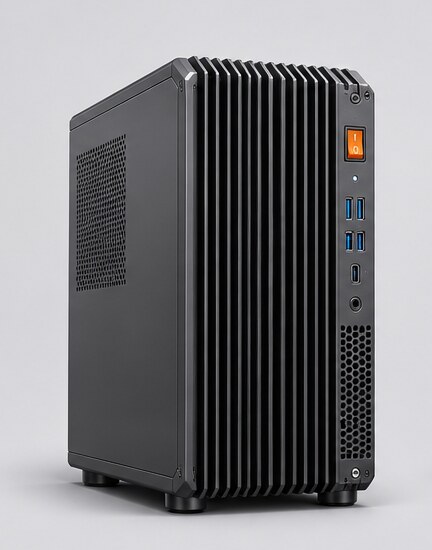
Configuration profile
- Environment
- Office or lab
- Primary use
- Private AI development
- Engineering scope
- GPU memory for model and context · RAM for data preparation · Local NVMe working storage
Applications & sizing
Plan the configuration
Private AI inferenceEstimate GPU memoryCompare model size, context and concurrent requests before choosing a desk-side or rackmount system.Rendering & visualizationSize a render nodeSeparate viewport work from final-frame throughput. Choose a representative scene and agree on a frame-time target.Corporate purchasingReview a hardware quoteCompare part numbers, substitutions, integration labour and support on the same basis.
Will the workload fit on a workstation?
Start with the exact model, precision, context length and number of simultaneous users. For creative work, bring a representative scene and the renderer you use. These inputs shape GPU memory, system RAM, storage and acoustics.
Example acceptance test
Run a named model at the agreed precision and context length. Record peak memory, time to first token and sustained generation speed.
Example project
A development team wants to run a private model on site. We can scope a workstation against its target context window, measure response time on a sample prompt set and document the software environment.
Inputs for your quote
- Model and software versions
- Dataset size and GPU memory needs
- Office power, noise and desk space
Delivery scope to agree
- Component and compatibility schedule
- Driver and runtime configuration
- Workload test record and recovery notes