VOERN Systems / Canada
Private compute
systems.
Custom AI workstations, GPU servers and rack integration for teams that run their own hardware.
Hardware catalogue
Systems by form factor
A machine for one desk, a shared server, or a complete rack at your site.
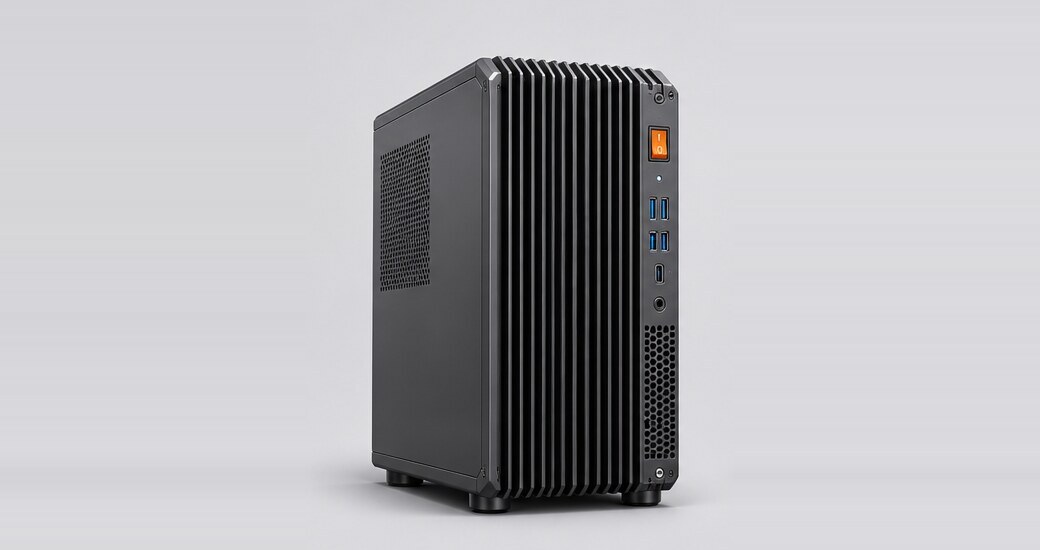 Desk-side
AI workstations
Local model development and interactive design in the room where you work.
GPU memory · Office acoustics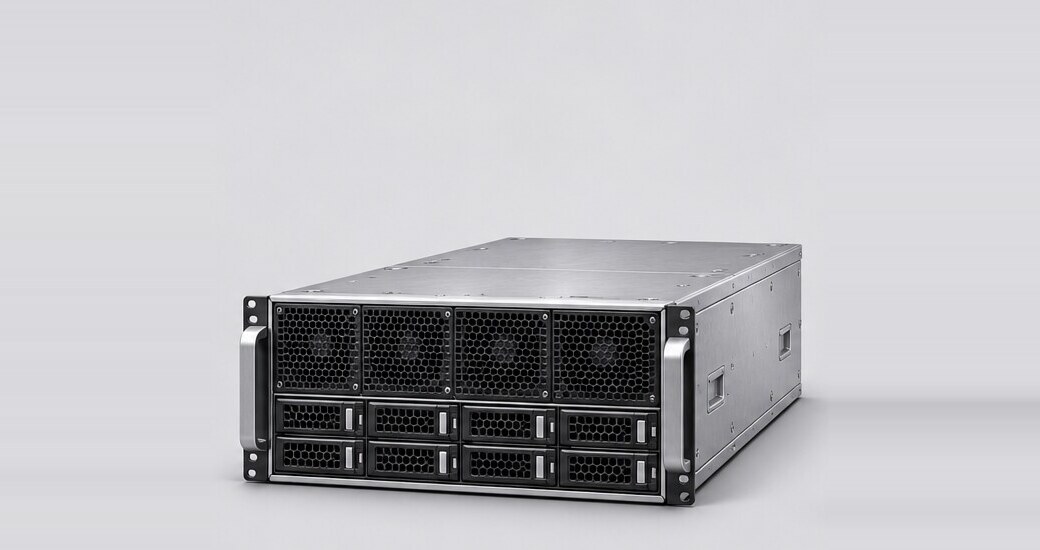 Rackmount
GPU servers
Shared inference and queued jobs that need sustained throughput.
Concurrency · Circuit capacity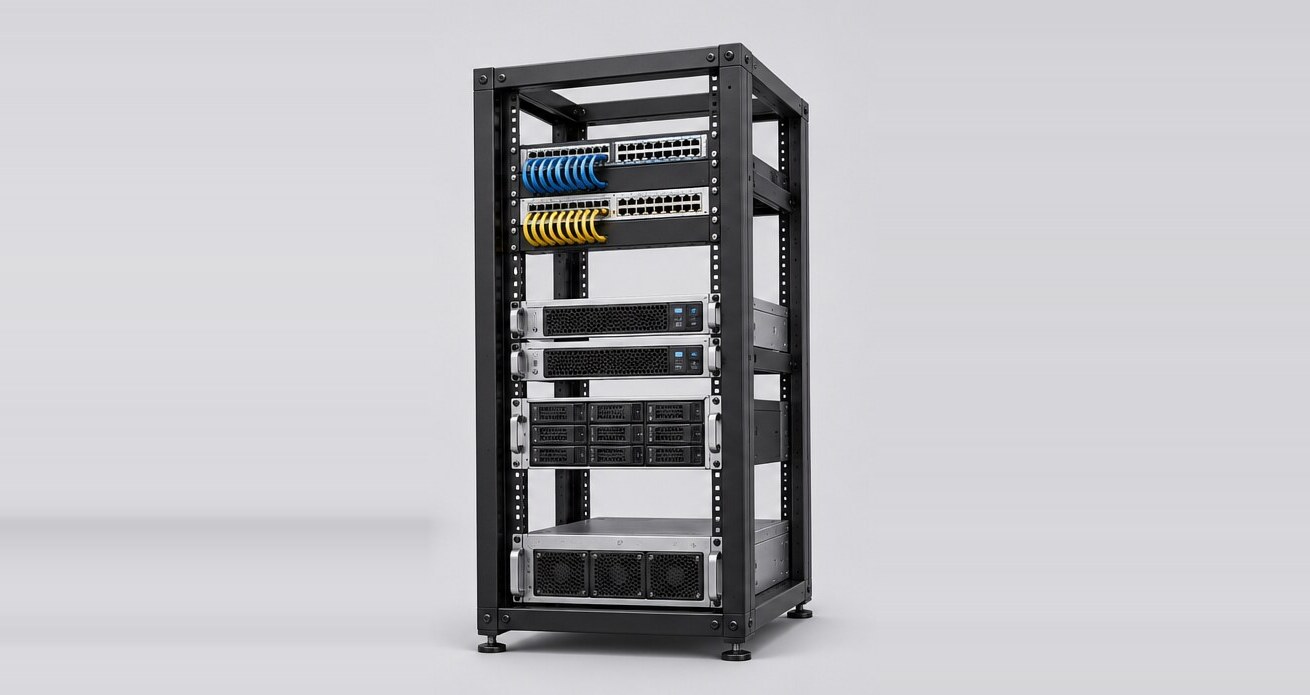 Multi-system
Rack integration
Compute, storage and network equipment installed as one system.
Rails · Power · Port mapPrivate AI infrastructure
One model.
Different demands.
A model that runs comfortably for one developer can stall when a team sends long prompts at once. Size the system for the busiest hour.
Compare private AI systemsIllustrative minimum for weights alone, in decimal GB. Runtime, quantization metadata and context need additional memory.
Calculate another model sizeSystem finder
Match the system to the workload.
Recommended starting point
Desk-side workstation
Keep the working set at the desk when one engineer needs quick feedback and jobs rarely overlap.
- Bring
- The largest model or assembly the engineer opens in a normal session.
- Test
- Peak memory and response time while editing, not just time to finish a batch.
Recommended starting point
Dedicated render node
Move final frames off the artist's workstation when a queue blocks editing or misses its delivery window.
- Bring
- A representative scene, textures, renderer version and frame deadline.
- Test
- Asset-load time and render time separately. Confirm worker licensing before adding nodes.
Recommended starting point
Shared storage and local scratch
Trace the read and write paths before adding GPUs. Several workers opening the same assets can exhaust a shared link.
- Bring
- An actual job folder, the number of workers and the size of temporary outputs.
- Test
- Concurrent read throughput, small-file latency and time to commit completed results.
Configuration comparison
Two builds to price.
Private inference sizing examples, not stock listings or tested performance claims. Exact parts, availability and price belong on the written quote.
| Build ID |
W1-R1Desk-side workstation |
S1-R1Shared GPU server |
|---|---|---|
| Parts | One 32 GB GPU, 128 GB system RAM and 2 TB NVMe working storage. | Two 48 GB GPUs, 256 GB system RAM and separate boot and working storage. |
| Site | Office or lab. Confirm outlet capacity, tower clearance and acceptable fan noise at the desk. | Equipment room. Confirm rack depth, circuit and connector type, inlet cooling and network ports. |
| Quote scope | Specify the operating system, display connections and whether a second drive is needed. | Itemize rails, power cords, network adapters and remote management access. |
| Pricing | Quote W1-R1 in CAD | Quote S1-R1 in CAD |
GPU memory is per card. Two 48 GB GPUs do not automatically fit a 96 GB model. Confirm that the target runtime supports splitting it, or size each replica to fit one card.
Storage engineering
Follow a job through storage.
Size the shared path for workers reading together. Keep disposable intermediates local and return the files the team needs to retain.
4 workers × 200 MB/s = 800 MB/s
Aggregate payload demand, before overhead or competing writes. Test the array, uplink and clients together.
Review the storage sizing guideDesign & visualization
Size the render queue
Keep the artist’s workstation interactive. Give final frames a separate time budget.
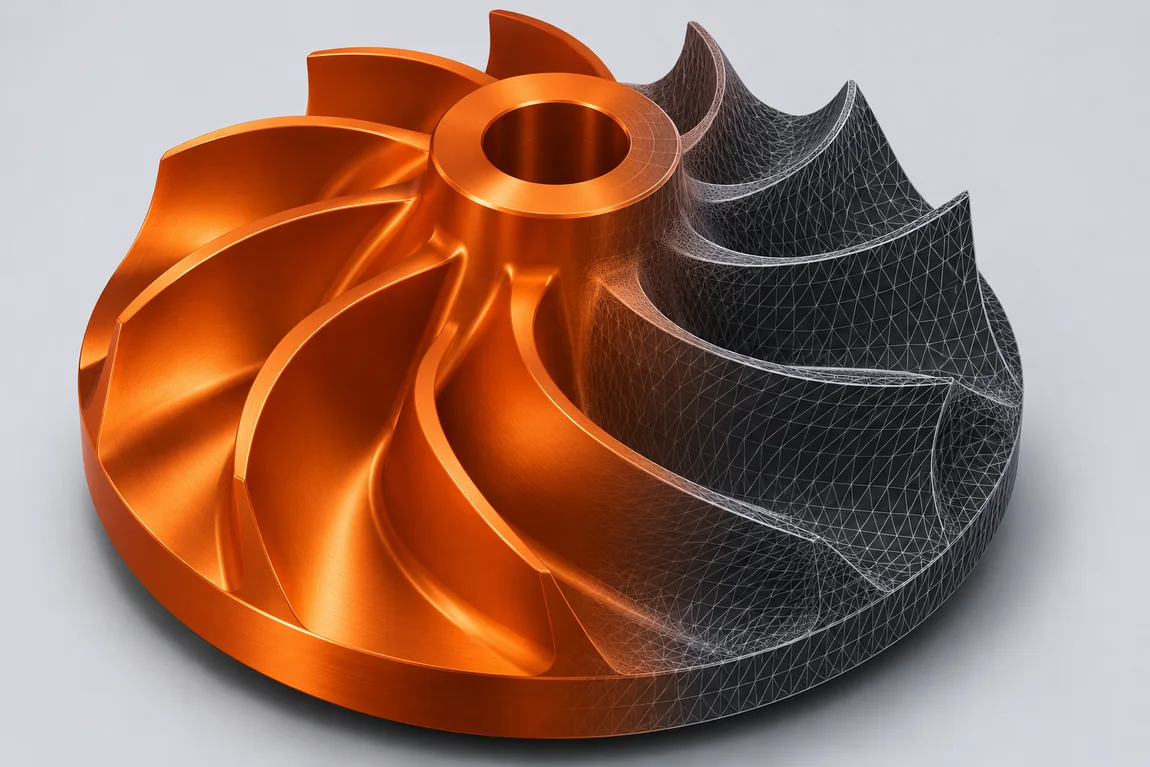
Frame-time budget
Available minutes divided by frames. Leave time for loading, retries and compositing.
Read the rendering guideGPU server architecture
Inside a GPU server
A GPU count is only part of a specification. Check these three constraints before selecting a chassis.
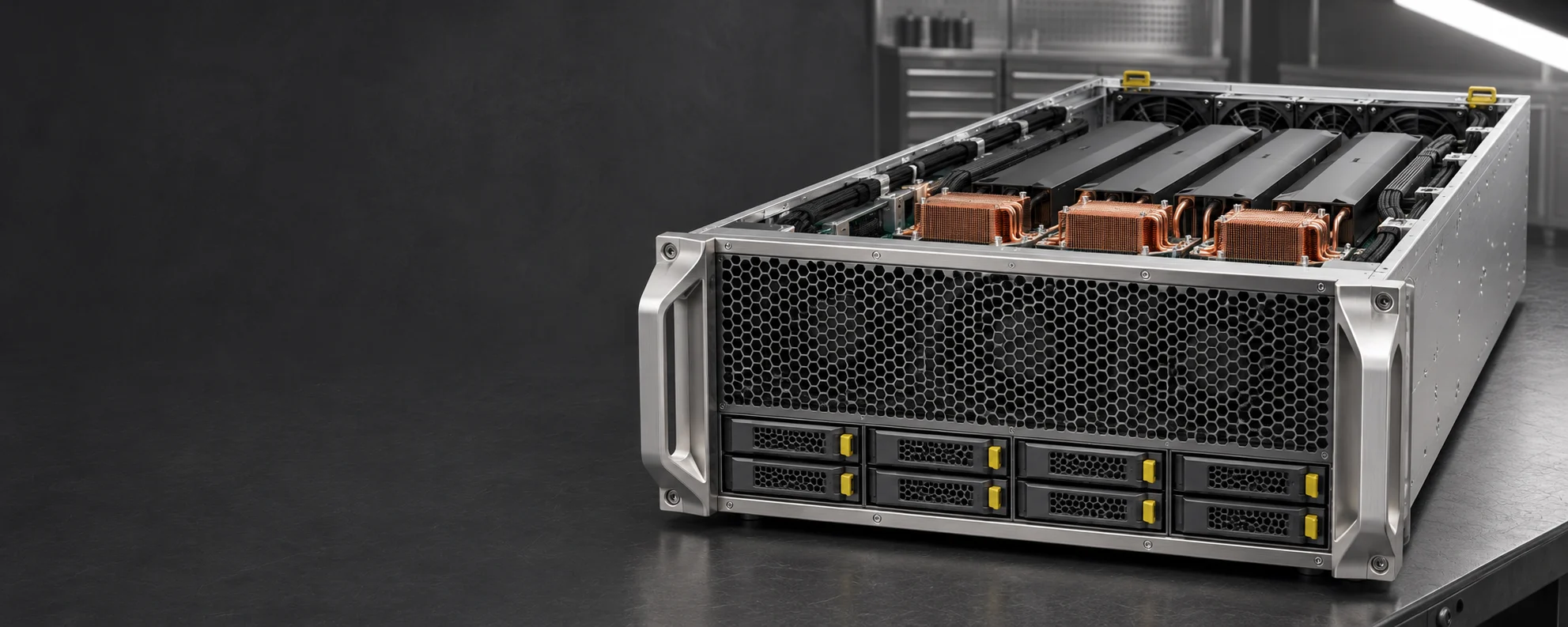
- Accelerator clearance
- Card thickness, length and power connectors determine which adjacent slots remain usable.
- Cooling under load
- Match the GPU cooling type to chassis airflow. A short boot test cannot establish sustained operating temperature.
- Service access
- Allow room to withdraw the server, service its drives and disconnect cables without disturbing adjacent nodes.
Technical services
Start with the hardware you own.
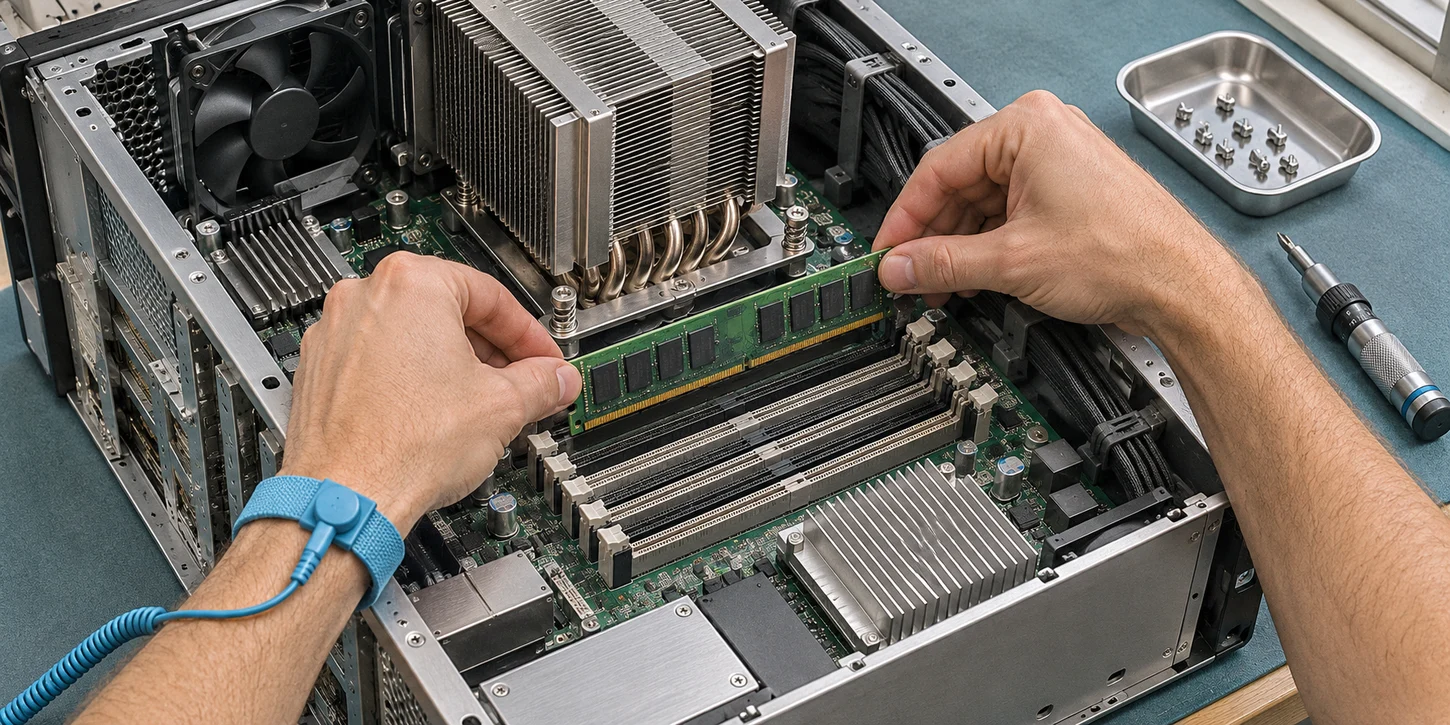
A memory upgrade, a software rebuild or a storage change can be enough. Bring the current parts list and the job that is slowing down.
- Check existing components and expansion limits.
- Separate reusable parts from proposed replacements.
- Agree on a test your team can repeat after handover.
Rack integration
An empty rack unit tells you the height available. Rail depth, rear clearance and the route into the room determine whether the system can actually be installed.
- U08 Patch panel1U
- U07 Access switch1U
- U06 Blanking panel1U
- U04-05 Compute node2U
- U01-03 Storage chassis3U
8U segment only. The elevation reserves space; rear cabling and power feeds need a separate map.
Physical site checklist
- Rack & rails
- Measure post spacing, check the mounting holes and allow room behind the chassis for connectors and the closed door.
- Power & cooling
- Identify available PDU outlets and feed capacity with facilities. Match equipment airflow to the room's intake and exhaust paths.
- Network handoff
- Assign switch ports, link speeds and cable types. Reserve a management port and identify who can enable it.
- Receiving & access
- Confirm the delivery appointment, doorway and lift clearances, rack load rating and who will handle the lift into position.
Build, test & handover
Agree on a workload and a pass condition before ordering. A system that boots has not yet passed an application test.
- Build to the approved list
Record installed parts, serials, firmware and driver versions against the quote revision.
- Run the agreed workload
Keep the input, command, measurements and logs together so the receiving team can repeat the run.
- Close the handover
List open exceptions, their owners and the retest criteria. Record buyer sign-off separately from the bench result.
Acceptance record
Render workstation · Synthetic scene test
- Build reference
- WS-01 / parts list rev. B
- Test setup
- Blender 4.2 LTS, Cycles GPU, scene S-01, 1920 × 1080, 64 samples
- Pass condition
- Render frames 1-120 in 30 min or less; all frames readable and no render errors.
- Observed
- 27 min 18 s · 120/120 frames readable · 0 render errors
- Evidence
- Run log, frame manifest and installed configuration attached to sample record.
Illustrative values, not a product benchmark.
Corporate purchasing
Compare the installed, tested system in Canadian dollars (CAD), not just the chassis price. Keep optional work outside the base total so purchasing can approve it separately.
Inside the quote
- Hardware
- Request model or part number, quantity, unit price in CAD and extended price. Separate reusable buyer-owned parts from new equipment.
- Delivery scope
- Mark rails, cords, freight, installation, configuration and acceptance testing as included, optional or excluded. Show taxes separately.
- Changes
- For a proposed substitution, record the original and replacement parts, fit and workload implications, price difference and revised timing. Require written approval before order placement.
Buyer questions
What should accompany an RFQ?
Send the workload, required quantities, delivery city, target date and a measurable acceptance criterion. Flag any mandatory parts or approved alternatives.
Can we reuse existing equipment?
List exact models, interfaces and remaining rack space. Ask for compatibility checks and integration labour as separate lines; clarify who supports the reused parts.
What if a quoted part changes?
Ask for a revised quote before approving the alternative. Equal capacity alone does not establish equivalent cooling, performance or warranty coverage.
Who handles a warranty return?
Ask the quote to name the fault contact and assign removal, return freight and reinstallation. Parts coverage and on-site labour are separate items.
Technical resources
Engineering library
Calculators, workload notes and purchasing guides for the team specifying your next system.
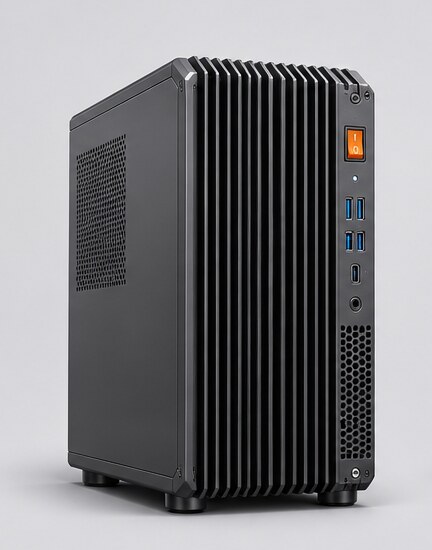
How much memory do the weights need?
Compare model size and precision before adding the context cache.
What sets the render deadline?
Measure frame time and asset loading separately.
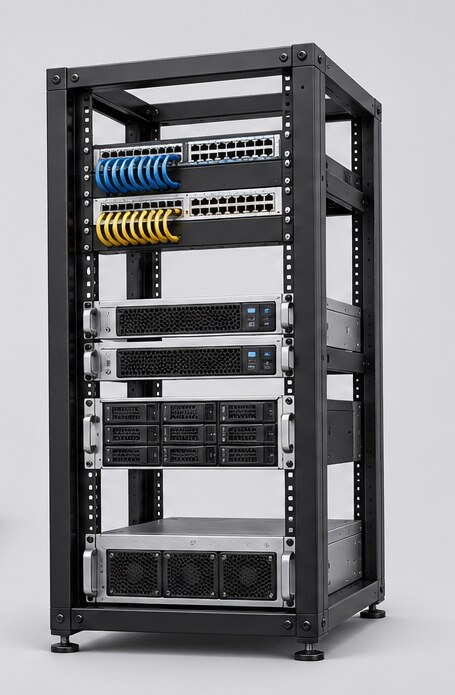
Where does the dataset wait?
Trace reads and writes between clients, scratch and shared storage.
What belongs on a system quote?
Compare parts, services, warranty handling and delivery.
VOERN Systems / Corporate sales
Bring us your specification.
Include required parts, permitted alternatives and the delivery location. We’ll scope the hardware and labour separately in Canadian dollars.